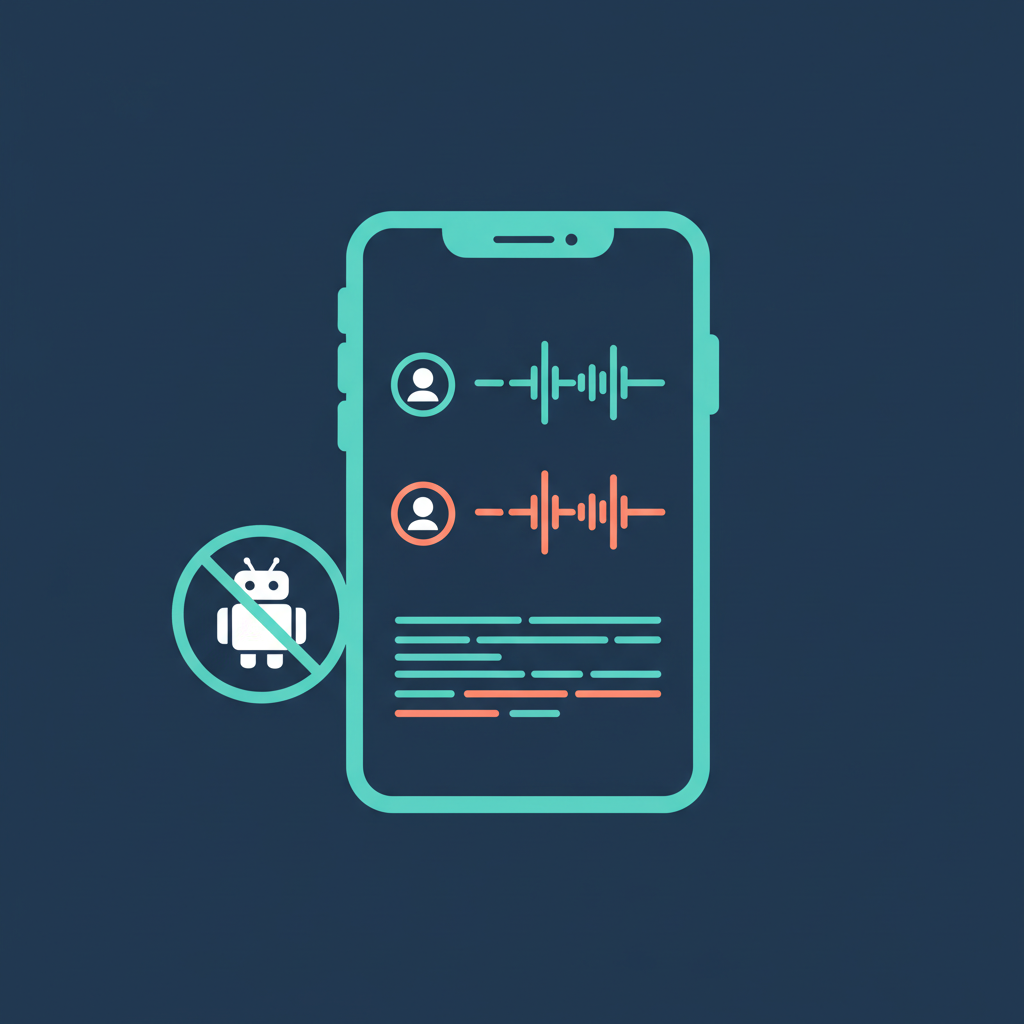
The bot-free AI notetaker category has a simple premise. Record the meeting without sending a talking AI bot into the call. No awkward "Otter has joined" notification on a client's screen. No one asking who the extra attendee is. Just a quiet app running in the background.
Three products now dominate this space. Granola raised $125M in March 2026 at a $1.5B valuation and owns the desktop-first conversation. Jamie built its audience in Europe on a strict bot-free, privacy-first message. AmyNote took the mobile path, and is the only one of the three that treats in-person meetings as the primary use case. Same category on paper; three very different bets on where meetings actually happen.
Quick Verdict
- Best for power users on Mac with lots of online meetings: Granola. Recipes templates and the new Spaces feature are genuinely differentiated.
- Best for bot-free desktop purists across Mac and Windows: Jamie. The original bot-free brand, with 100+ language support and mature capture.
- Best for in-person meetings, phone calls, and mobile workflows: AmyNote. The only one that treats in-person as the primary use case, with zero-training guarantees baked into the architecture.
What We Compared
All three are bot-free by design, meaning they capture system audio locally instead of sending an AI participant into your meeting. That is the table stakes. The differences show up in platform coverage, pricing, language support, audio handling, and what the privacy defaults actually look like when you install the app today — not what the marketing page says, but what you actually get on the plan you actually pay for.
Granola: Strengths and Weaknesses
Granola is the breakout success of 2025 and 2026. A $125M Series C at a $1.5B valuation in March 2026 put it on every enterprise software shortlist. Pricing restructured this year: Basic is free but keeps only 14 days of meeting history, Business is $14 per user per month with unlimited history, and Enterprise is $35 per user per month.
Strengths:
- Recipes turns meeting notes into templated outputs with expert AI prompts — sales call briefs, user research syntheses, exec updates. This is where Granola most obviously leads the category.
- Spaces for team workspaces with granular access controls, shipped in 2026.
- MCP server shipped February 2026 for piping meeting context into other AI tools, including Claude, Cursor, and compatible agents.
- macOS, Windows, and iOS apps give it the broadest desktop coverage of the three products here.
Weaknesses:
- No audio playback. You cannot replay the original recording. If the AI summary misses a quote or misattributes a speaker, the audio is already gone — and for legal, sales, and research use cases, that is a real problem.
- No web workspace. Viewing notes on the web is read-only. Editing, organizing, and running Recipes all require the desktop app.
- No Android app at all.
- Training opt-out gated to Enterprise. Organization-wide opt-out from AI model training is only available on the $35 per user per month Enterprise plan — which means a solo user on Business is not getting the same privacy guarantees the marketing implies.
Jamie: Strengths and Weaknesses
Jamie is the closest thing to a purist bot-free experience. It captures desktop audio locally and processes it on Jamie's servers with a clear privacy-first message. The free plan is strict: 10 meetings per month, 30 minutes each. Plus is 25 euros per month (20 meetings, 2-hour limit). Pro is 47 euros per month for unlimited meetings at a 3-hour limit. Team plans start at 39 euros per seat.
Strengths:
- 100+ languages with strong multilingual support, broader than Granola and appreciably better for European and Asia-Pacific teams.
- Works on any desktop meeting platform, and captures in-person audio too as long as the laptop is open on the table.
- Mature bot-free capture with solid speaker identification.
- AI chat across past meetings for pulling action items and drafting follow-ups.
Weaknesses:
- Expensive per-meeting compared to Granola. The 20-meeting cap on Plus works out to roughly 1.25 euros per meeting before counting the 2-hour limit.
- Desktop only. No iOS or Android app for on-the-go recording or in-person mobile capture.
- Smaller integration ecosystem than Granola or established cloud players.
- Free tier's 30-minute cap cuts off most real business meetings mid-flow, which effectively makes the free plan a demo rather than a usable tier.
AmyNote: Strengths and Weaknesses
AmyNote takes the bot-free idea in a different direction. Instead of optimizing for desktop meetings on Zoom or Meet, it optimizes for the meetings that happen away from a laptop: in-person conversations, phone calls, site visits, hallway chats. That means mobile-first architecture, and it means privacy baked into the stack rather than tucked behind a premium plan toggle.
Strengths:
- Mobile-first design for in-person meetings, phone calls, and any situation where opening a laptop would be weird or impossible — think client lunches, field visits, medical rounds, deposition prep in a conference room without a screen.
- Zero-training contractual guarantees from both AI providers. Transcription runs through OpenAI's Speech API, AI analysis runs on Anthropic's Claude Opus, and both providers contractually guarantee user data is never used for model training. Audio is encrypted in transit; processing copies may be retained to deliver and recover requested features. Transcripts are stored locally on device with encrypted transport.
- 120+ languages with real-time translation, broader than both Granola and Jamie.
- Cross-session speaker identification that remembers voices across meetings, not just within a single session — which matters for recurring clients, standing interviews, and any workflow where "who said this six weeks ago" is a real question.
- AI analysis by Claude Opus, so the output is semantic reasoning, not pattern-matched summaries.
Weaknesses:
- No desktop app. A Mac user who mostly takes notes during Zoom calls is better served by Granola or Jamie.
- No CRM or Notion integrations yet, so syncing to sales workflows is manual.
- No video recording. Audio transcription only.
- No team or enterprise tier today. Built for solo professionals and consultants.
- Smaller brand than Granola or Jamie, with a smaller integration ecosystem.
Side-by-Side
- Platform coverage: Granola on Mac, Windows, and iOS. Jamie on Mac and Windows only. AmyNote on iOS, mobile-first.
- Bot-free: All three, yes.
- In-person meetings: Granola is designed for online meetings and does not target in-person. Jamie captures desktop audio so it can record in-person if the Mac is open on the table. AmyNote treats in-person as the primary use case.
- Audio playback: Granola no. Jamie yes. AmyNote yes.
- Languages: Granola officially supports a limited set. Jamie 100+. AmyNote 120+ with real-time translation.
- Pricing floor: Granola free (14-day history) then $14 per user per month. Jamie free (10 meetings, 30 min each) then 25 euros per month. AmyNote 3-day free trial with no credit card, then subscription.
- Privacy default: Granola's org-wide training opt-out requires the $35 per user per month Enterprise plan. Jamie captures locally with a privacy-first default. AmyNote has contractual zero-training from both AI providers on every plan.
- Integrations: Granola leads with Notion, HubSpot, Slack, Zapier, and MCP. Jamie is mid-tier. AmyNote has none yet.
The Bottom Line
There is no single winner. There are three clean answers depending on where and how you work.
If most of your meetings happen on Zoom or Meet, you live in macOS or Windows, and you care about template-driven note outputs, Granola is the mature choice. Just know that organization-wide training opt-out costs $35 per user per month, and you cannot play back the original audio — which is a non-starter for any use case where the exact wording matters.
If you want the purist bot-free experience with strong multilingual support and you are willing to pay a premium per meeting, Jamie still holds up well. The free tier is tight but the paid tiers deliver, and the European privacy posture is the clearest of the three.
If your work happens in the real world — in-person client meetings, phone calls, site visits, any situation where the laptop stays closed — and you want privacy that does not require the enterprise plan, try AmyNote at amynote.app. Transcription by OpenAI, AI analysis by Anthropic Claude Opus, contractual zero-training from both, 120+ languages, 3-day free trial, no credit card.
Bot-free is the baseline now. The real question is which tool fits the meetings you actually have.
Originally published as an X Article.