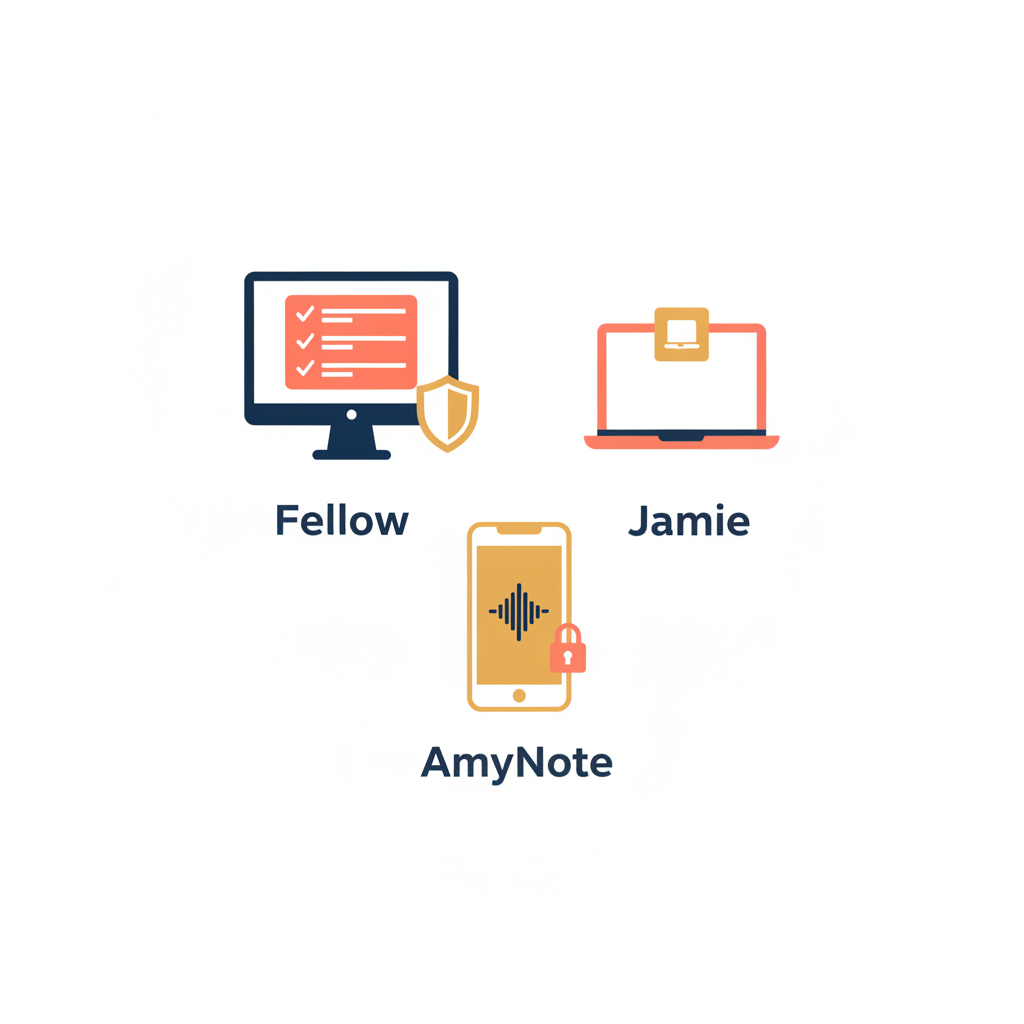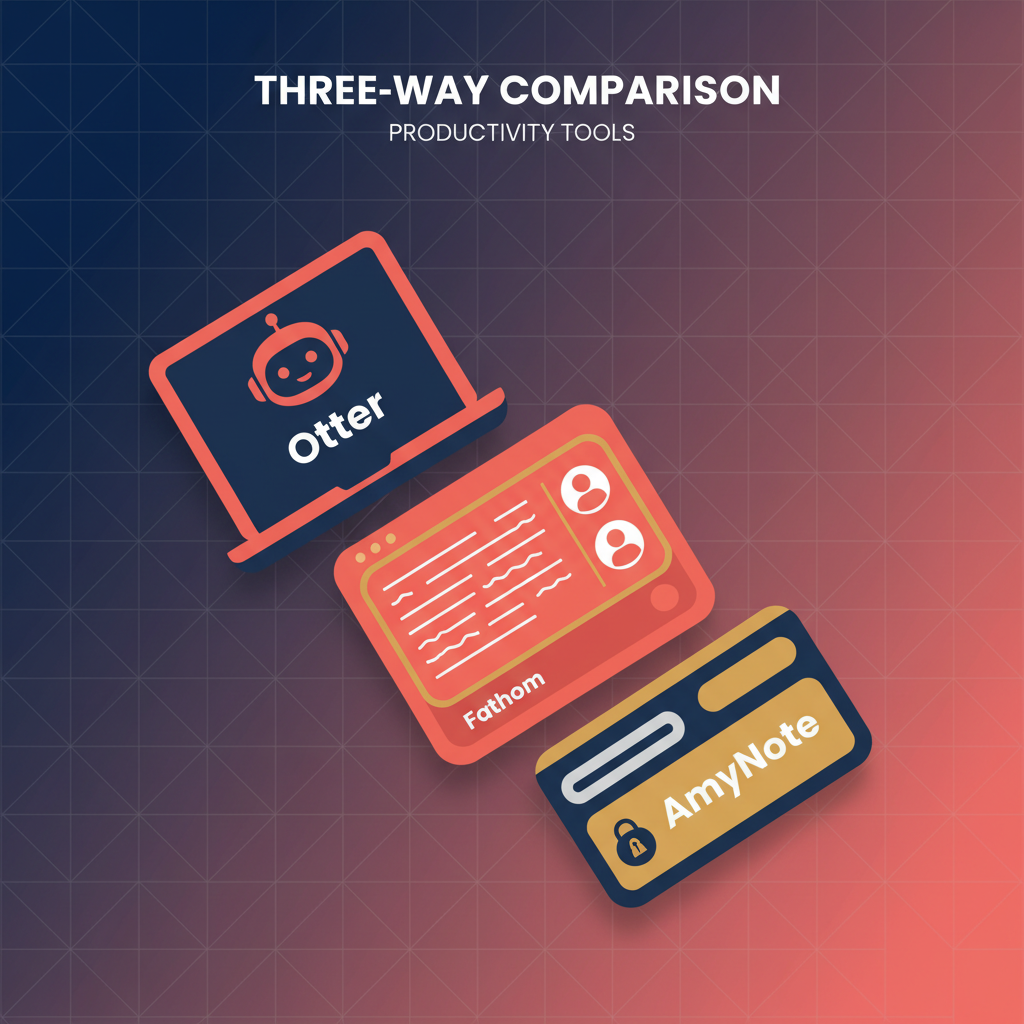
Three very different shapes solve three very different problems. Jamie is a bot-free desktop app for the Zoom-and-Teams crowd that cannot have a participant tile labeled with someone else's name. Otter is the accuracy benchmark of the cloud-bot category, with the friendliest paid pricing in this lineup and a privacy default that bites teams who do not opt out. AmyNote is the mobile-first option for hallway conversations, phone calls, in-person interviews, and conference Q&A — meetings the other two cannot touch.
This is a fair three-way comparison, with honest weaknesses for each side. We pulled pricing and feature data from each vendor's own site and current 2026 reviews. No tool is perfect. Pick for the shape of your meetings, not the length of the feature list.
Quick Verdict
Pick Jamie if you live in Zoom, Meet, or Teams on a Mac or Windows machine and you absolutely cannot let a bot show up on the participant grid — client calls where a visible “OtterPilot” tile would be awkward, regulated industries that prohibit third-party recorders, or European customers who want GDPR posture by default.
Pick Otter if you want the most accurate cloud transcription in the category and you are fine with OtterPilot announcing itself on every call. Strong fit for sales teams, internal product reviews, and education users who care more about transcript fidelity than about the optics of an extra tile.
Pick AmyNote if your meetings happen in person, on phone calls, or in any room where a desktop app would not help and a Zoom bot would feel ridiculous. Sales reps who do field calls, attorneys who interview clients across a desk, journalists working a beat, doctors and dentists between exam rooms.
What We Compared
We looked at six things: free-tier reality, paid pricing, recording model (bot vs bot-free), accuracy, language reach, and privacy posture. Where the vendors publish actual numbers we cite them. Where they publish marketing claims we say so.
Jamie: Bot-Free Desktop, Premium European Privacy
Strengths. Jamie runs as a native app on macOS, Windows, and iOS, capturing audio straight off your device so no bot ever joins the call. Because it does not depend on platform-specific bot APIs, Jamie works with any meeting tool, including Zoom, Google Meet, Microsoft Teams, Webex, and in-person conversations picked up by the laptop microphone. The same architecture also means Jamie keeps working when your IT team blocks third-party calendar bots at the network edge.
The privacy story is unusually clean. Jamie is based in Berlin, hosts on EU servers, holds ISO 27001 certification, and is GDPR-compliant by default. Audio is permanently deleted the moment the summary is generated, with everything encrypted at rest. Summaries land in roughly 30 seconds in over 100 languages, which puts Jamie ahead of every other desktop bot-free option on this dimension.
Weaknesses. Pricing is the steepest in this lineup. The free tier gives 10 meetings per month with a 30-minute cap. The Standard plan is EUR 25/month for 20 meetings and a 2-hour cap. To get unlimited meetings and a 3-hour cap, you need the Executive plan at EUR 47/month (about $50). Team seats are EUR 39/member/month. For a five-person team that runs back-to-back Zoom days, that math adds up fast.
Integrations are narrow: Google Calendar, Outlook, and Notion. There is no Salesforce, HubSpot, or Slack sync. Sales teams that live in CRM will need a manual paste step or a Zapier bridge. And because Jamie is desktop-first, the iOS app exists but is not where most of the workflow lives, so mobile-only or in-person-heavy users get less out of it than the marketing suggests.
Otter: Cloud Bot, Accuracy Leader
Strengths. Otter is the accuracy benchmark in the cloud-bot category, with users consistently rating its transcription at roughly 93 to 95 percent even on complex vocabulary and accented speech. OtterPilot auto-joins Zoom, Meet, and Teams from your calendar, runs real-time collaborative notes that teammates can co-edit during the call, and supports an AI Chat that answers questions across your transcript library. The chat-over-your-corpus pattern is genuinely useful once you have a few months of meetings to query against.
Pricing is the friendliest of the three on the paid tiers: Pro at $8.33/user/month annual (or $16.99 monthly) for 1,200 minutes and 10 file imports per month. Business at $19.99/user/month annual (or $30 monthly) unlocks unlimited meeting transcription, 6,000 file-import minutes per user per month, and admin analytics. Students with a .edu email get 20% off Pro. For an SMB sales team, $19.99 per seat for unlimited cloud transcription is the price-to-feature leader.
Weaknesses. The bot is the bot. OtterPilot shows up on every call as a participant tile, which some external attendees quietly resent and some regulated industries quietly prohibit. The free plan is severely capped: 300 minutes per month, a 30-minute ceiling per conversation, and only 3 file imports for the lifetime of the account. The lifetime cap reads like a typo until you realize it is exactly the feature gate that drives users to upgrade.
Language coverage is the narrowest here. Otter focuses on English, with limited French and Spanish support, so multilingual teams hit a wall fast. And on privacy, Otter is cloud-stored under SOC2, but user data can be used to improve the models unless you opt out in account settings. That is the opposite of contractual. For regulated buyers (healthcare, legal, finance) the opt-out posture rather than opt-in is often the dealbreaker that ends the procurement conversation.
AmyNote: Mobile-First, Bot-Free, Privacy-First
Strengths. AmyNote is built for the meetings the other two cannot reach. In-person conversations, phone calls, hallway chats, panels, conference Q&A. No bot, no laptop, no calendar invite. The phone records, AmyNote transcribes via OpenAI's Speech API, and Anthropic's Claude Opus generates the structured summary and answers follow-up questions about the meeting.
Privacy is the architectural differentiator. Both OpenAI and Anthropic contractually guarantee zero training on user data. Audio is encrypted in transit; processing copies may be retained to deliver and recover requested features. Transcripts are stored locally on the device with encrypted transport. 120-plus languages with real-time translation, plus cross-session speaker identification that remembers who is who across multiple meetings — useful for sales reps who talk to the same prospect over weeks, or attorneys who interview the same client across multiple intake sessions.
Pricing is flat: 3-day free trial, no credit card, no lifetime caps, no credit pools, no separate Business tier to unlock AI features. The flat model removes the “will this go over a quota mid-quarter” anxiety that Otter's free tier and Jamie's per-meeting caps both introduce.
Weaknesses. AmyNote is mobile-first, so there is no desktop client for users who never put the phone on the table during a Zoom call. No native CRM integration, no Notion sync. No video capture, audio only. And brand recognition is still smaller than Otter's, which can be a friction point for procurement teams that prefer category leaders. For a fully remote team that lives in Zoom and Salesforce, AmyNote is not the obvious pick.
Side-by-Side Comparison
| Dimension | Jamie | Otter | AmyNote |
|---|---|---|---|
| Recording model | Desktop, bot-free | Cloud bot (OtterPilot) | Mobile, bot-free |
| Best meeting type | Zoom/Meet/Teams on Mac or Windows | Scheduled video calls | In-person, phone, field |
| Free tier | 10 meetings/mo, 30 min cap | 300 min/mo, 3 imports lifetime | 3-day full-feature trial |
| Entry paid | EUR 25/mo Standard | $8.33/seat/mo Pro (annual) | Flat subscription |
| Top paid | EUR 47/mo Executive | $19.99/seat/mo Business (annual) | Flat subscription |
| Accuracy | Strong, native audio capture | ~93–95% (category leader) | Whisper Large v3 + Claude |
| Languages | 100+ | English + limited FR/ES | 120+ with real-time translation |
| Privacy default | EU servers, GDPR, ISO 27001, audio deleted after summary | SOC2 cloud, training opt-out | Contractual zero-training, local storage, encrypted transport |
- Best for bot-free desktop meetings: Jamie. Native Mac and Windows apps, no bot tile on the grid.
- Best for cloud transcription accuracy: Otter. 93 to 95 percent, with real-time collaborative notes.
- Best for in-person, phone, and on-the-go capture: AmyNote. The other two cannot record what is not on a screen.
- Free plan honesty: All three are limited, in different ways. Jamie gives 10 meetings per month with a 30-minute cap. Otter gives 300 minutes per month but only 3 file imports for life. AmyNote gives 3 days of full features, then asks for a subscription.
- Bot on the call: Otter yes. Jamie and AmyNote no.
- Language reach: AmyNote 120-plus, Jamie 100-plus, Otter English plus limited French and Spanish.
- Privacy default: AmyNote (zero training contracted with both providers, local storage, encrypted transport). Jamie (EU servers, GDPR, ISO 27001, audio deleted after summary). Otter (SOC2 cloud storage, data used for training unless you opt out).
- Entry price: Otter Pro at $8.33/user/month annual. Jamie Standard at EUR 25/month. AmyNote 3-day free trial.
How To Pick
Start by mapping a normal week of meetings. Count how many happen on Zoom, Meet, or Teams. Count how many happen in person, on phone calls, or in places where opening a laptop would be inappropriate. Count how many involve external attendees who would notice a bot on the participant grid. That breakdown picks the tool.
If 80% of the meetings are scheduled video calls and your team is fine with a visible bot, Otter Business at $19.99 per seat is the price-to-feature winner. If those same calls cannot have a bot, Jamie Executive at EUR 47 per month buys bot-free meetings with German-grade privacy. If half the week is field calls, in-person interviews, hallway conversations, or anything that does not happen on a calendar invite, AmyNote covers the half the other two cannot.
For most teams, the answer is not one tool. It is one desktop tool for scheduled video and one mobile tool for everything else. Jamie or Otter on the laptop, AmyNote on the phone, both feeding the same downstream notes workflow.
The Bottom Line
Three very different shapes for three very different jobs.
If your day is back-to-back Zoom and Teams calls on a Mac or Windows laptop and you cannot have a bot announce itself to clients, Jamie buys you bot-free meetings with German-grade privacy. Pay the EUR 47/month if you need unlimited and the longer cap.
If you want the most accurate cloud transcription, real-time co-editing, and the friendliest paid pricing in the category, Otter is the workhorse. Just know the bot will be on every call and that your data feeds the models unless you opt out.
If your real conversations happen in person, on phone calls, in a coffee shop, or in a conference hallway, and you want both AI providers contractually barred from training on your audio, AmyNote fits where the other two cannot follow. Download from amynote.app and try it on a real meeting.
No tool is perfect. Pick for the shape of your meetings, not the length of the feature list.
Originally published as an X Article.